Use MyWordPad.Online to take your notes in a cozy atmosphere
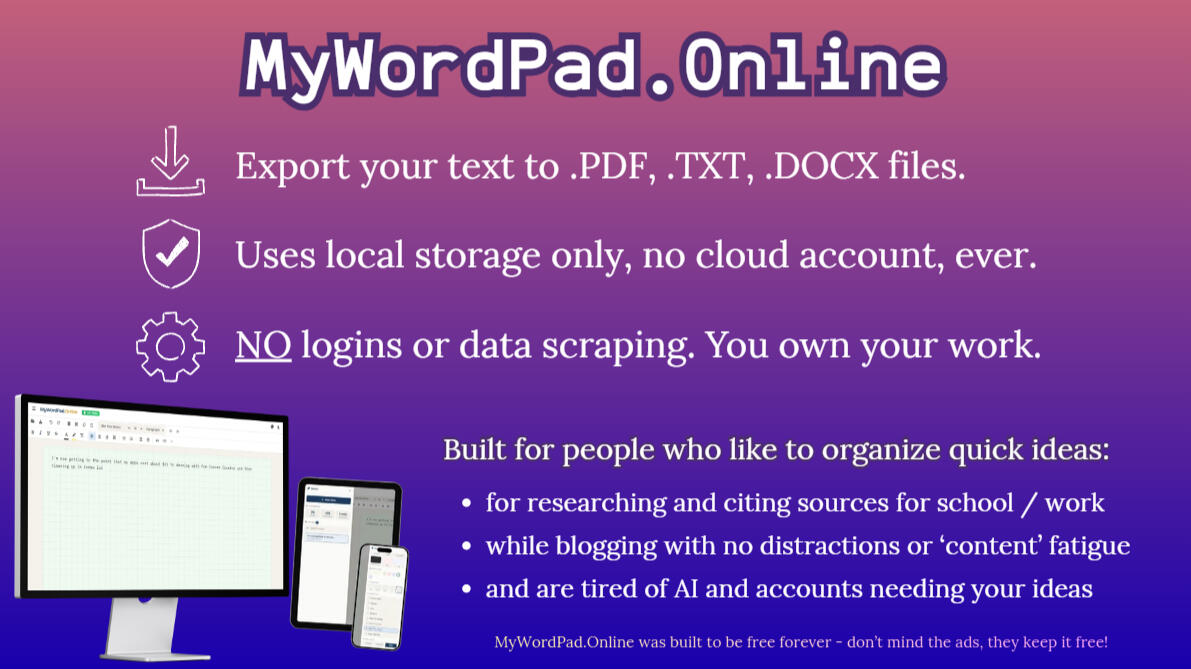
Sometimes you just need a blank page.MyWordPad is a free browser-based text editor for writing without distractions. Open a .txt file, paste something from your clipboard, or start from scratch. No accounts. No downloads. Just write.
Getting started
Using MyWordPad.Online is simple—just open the page and start writing.
1. Open MyWordPad.Online
Visit MyWordPad.Online in your favourite web browser. If you plan to use it often, add it to your bookmarks or your device's home screen for quick access.
2. Start Writing
Click anywhere in the editor and begin typing. There's nothing to install, no account to create, and no setup required.
3. Open existing word file
Already have a .txt file? Use the Open option to load it into the editor, or simply paste text directly from your clipboard.
4. Your Notes Stay Local
MyWordPad saves your work in your browser's local storage. Close the tab and come back later—your notes will still be there unless you clear your browser data.
5. Create a New Note
Ready for a fresh page? Open the Saved Notes sidebar and select New Note to start writing something new.
6. Delete a Note
If you no longer need a note, select it and use the Bin button to remove it.
7. Change the Theme
Prefer a different look? Use the Sun or Moon button to switch between available themes whenever you like.
| MyWordPad Shortcuts | Keyboard | What it does |
|---|---|---|
| Open | Ctrl + O | Open text files from your saved drive |
| Save | Ctrl + S | Save your document as .txt, .pdf, .html |
| Cut | Ctrl + X | Removes selected text from the editor area |
| Copy | Ctrl + C | Copies selected text onto your clipboard |
| Paste | Ctrl + V | Pastes last selected text from clipboard to editor |
| Select All | Ctrl + A | Description |
| Undo | Ctrl + U | Description |
| Redo | Ctrl + Y | Description |
| Hyperlink | Ctrl + K | Links selected text to a website or page |
Ctrl + P | Prints out document to PDF or connected printers |
Privacy Policy
for MyWordPad.Online
Privacy PolicyMyWordPad.Online is designed to respect your privacy.
What data is collected?
By default, no personal information is collected while you use the editor.
- No account is required.
- No login is required.
- No cloud storage is used.
- Your notes remain on your device using your browser's local storage.
Analytics
This website may use basic website analytics to understand general traffic, such as page views, browser types, and referring websites. These analytics do not identify you personally.
Advertising
Advertisements may appear on the landing page. Advertising providers may use cookies or similar technologies according to their own privacy policies.
Third-party services
MyWordPad.Online may link to or embed services operated by third parties, such as GitHub Pages, Bearblog, Carrd, or advertising providers. These services have their own privacy policies.
Changes
This Privacy Policy may be updated as new features are added.
| MyWordPad built with | How I used it |
|---|---|
| Github Pages | built using HTML/CSS/JS, and testing it a few times before pushing the repo |
| Carrd.co | Landing page, iframe of the ad-free editor as the hero |
| HTML-Playground | My static tool to preview changes I make on all my tools |
| TBA: Google Analytics | On mywordpad.online, and blog.mywordpad.online |
Disclaimer
for MyWordPad.Online
Disclaimer last updated: 19-JUL-2026MyWordPad.Online is designed to respect your privacy.
What data is collected?
By default, no personal information is collected while you use the editor.
- No account is required.
- No login is required.
- No cloud storage is used.
- Your notes remain on your device using your browser's local storage.
Analytics
This website may use basic website analytics to understand general traffic, such as page views, browser types, and referring websites. These analytics do not identify you personally.
Advertising
Advertisements may appear on the landing page. Advertising providers may use cookies or similar technologies according to their own privacy policies.
Third-party services
MyWordPad.Online may link to or embed services operated by third parties, such as GitHub Pages, Bearblog, Carrd, or advertising providers. These services have their own privacy policies.
Changes
This Privacy Policy may be updated as new features are added.
Questions can be emailed to
[email protected]
Terms of Service
for MyWordPad.Online
Terms of Service last updated: 19-JUL-2026MyWordPad.Online
What data is collected?
By default, no personal information is collected while you use the editor.
- No account is required.
- No login is required.
- No cloud storage is used.
- Your notes remain on your device using your browser's local storage.
Analytics
This website may use basic website analytics to understand general traffic, such as page views, browser types, and referring websites. These analytics do not identify you personally.
Advertising
Advertisements may appear on the landing page. Advertising providers may use cookies or similar technologies according to their own privacy policies.
Third-party services
MyWordPad.Online may link to or embed services operated by third parties, such as GitHub Pages, Bearblog, Carrd, or advertising providers. These services have their own privacy policies.
Changes
This Privacy Policy may be updated as new features are added.
Questions can be emailed to
[email protected]